Get the software
Download the latest version, install it on your PC, and register to get started.
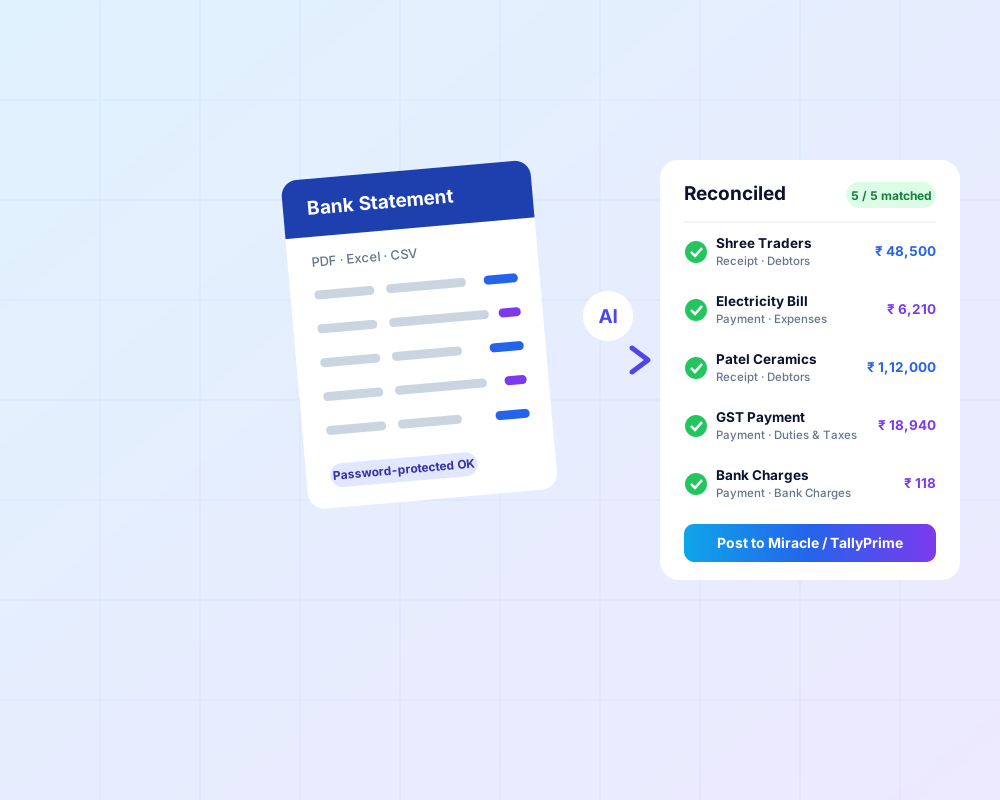
Easy Bank Reconcile
Import your bank statement, let rules and on-device AI match every line to a ledger, and post receipts and payments to Miracle Accounting Software or TallyPrime.
Miracle / TallyPrime license is required.
Download Easy Bank ReconcileBy downloading you agree to the Terms and Conditions and Privacy Policy. Need a licence? See pricing or buy now.

Ughrani Mitra
ઝડપી ઉઘરાણી, વિશ્વાસથી ઉકેલ
Know who owes you, how much and since when. Receivables, payables, ledgers, group ledgers and stock report in one place, with the Call CRM in the Pro and Max editions.
Miracle license is required. Charges apply for extra customization.
Download Ughrani MitraNeed a licence? See pricing or buy now.
Getting started
- DownloadClick the download button for your product above.
- InstallRun it on the PC where Miracle (or TallyPrime, for Easy Bank Reconcile) is installed.
- RegisterOpen the app and register with your details and dealer code.
- ActivateBuy a licence, and we'll activate it on your account.